Some websites need the same kind of page many times over. One for every city, every state, every service area. Build each one by hand and you get hundreds of pages that slowly drift apart, each one a small maintenance problem.
I faced this while migrating Online Notary from Wix to WordPress. The site needed a page for every US state and its counties. Instead of building them one by one, I built one master template that powers all of them.
The problem with copy-paste pages
On Wix, location pages are usually duplicated by hand. That works for ten pages. At scale, it causes three problems:
- Design drift. A layout change has to be repeated on every page, and some always get missed.
- Slow updates. Changing a phone number, a price or a call to action becomes a day of clicking.
- Thin, repetitive content. Copied pages with only the place name swapped look like spam to search engines.
The approach: separate the design from the data
The idea is simple. Every location page has the same structure but different information. So the structure lives in one template, and the information lives in fields.
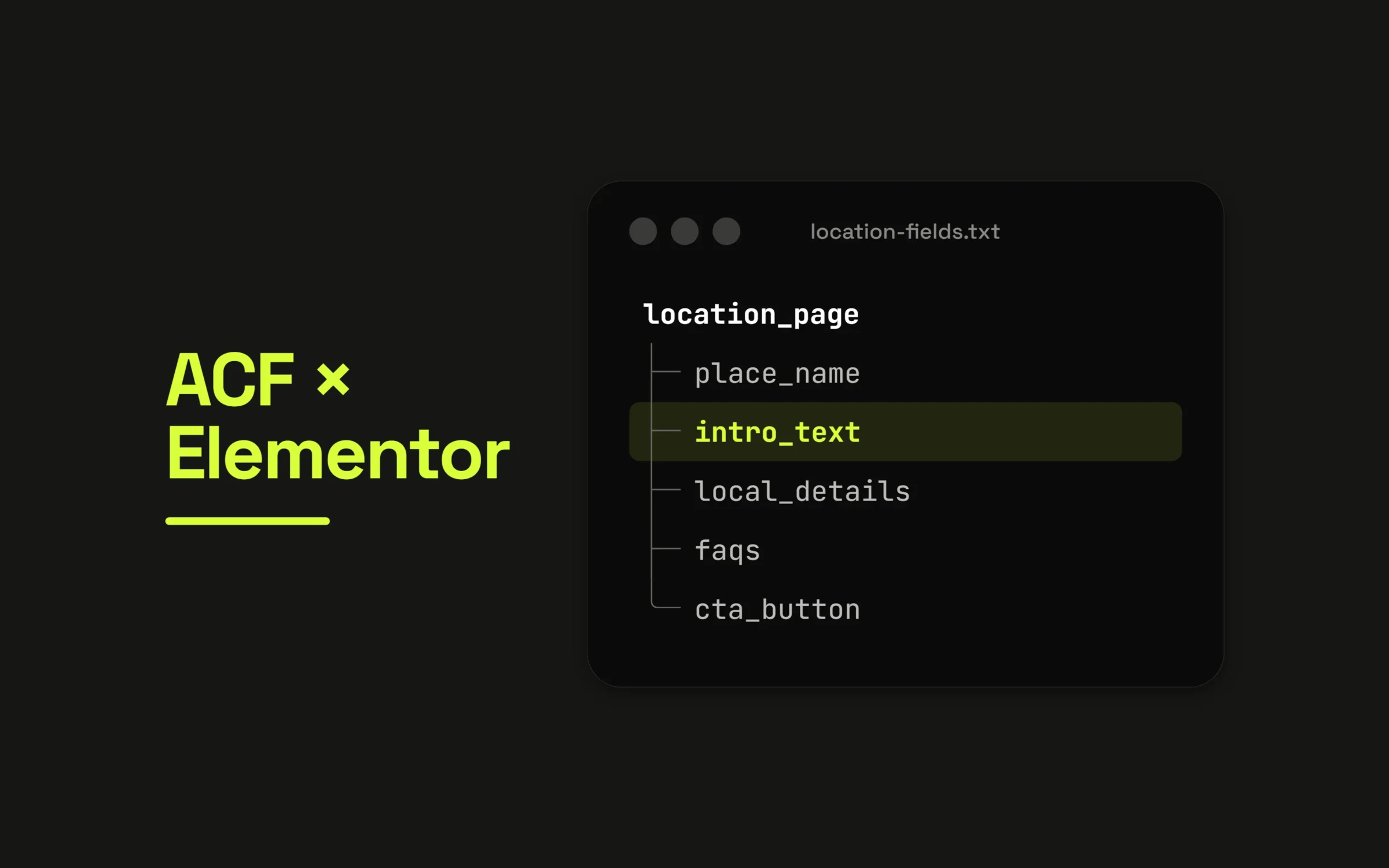
1. Store the data in ACF. Each state and county is an entry with its own custom fields, such as the place name, an intro paragraph, local details, FAQs and the call to action.
2. Design the page once in Elementor. Using Elementor Theme Builder, I built a single template and connected each text area, heading and button to an ACF field with dynamic tags. The template never contains real content, only placeholders that pull from the current page’s fields.
3. Apply it with display conditions. The template is assigned to every state and county page automatically. A new county gets the full design the moment it’s published.
4. Link the hierarchy. County pages sit under their state, and each state page lists its counties. Visitors and search engines can move through the structure naturally.
What this changes
- A design change happens once and updates every location page.
- Adding a new location means filling in fields, not building a page.
- Every page stays consistent in layout, speed and markup.
The SEO part people skip
A template makes it easy to create many pages, which also makes it easy to create many useless ones. Google treats near-identical pages with only a city name changed as low-value doorway pages.
The fix is in the data, not the design. Each location needs genuinely local information: specific details, local FAQs, real differences. The template guarantees consistency. The content has to provide uniqueness.
A migration also needs care with old links. Every URL that existed on the old site should redirect to its new address, or years of search ranking disappear overnight.
The takeaway
One template plus well-structured fields scales from ten pages to hundreds without the site getting harder to manage.