For a restaurant chain, the most important page on the website is often the least designed one: the locations page. It’s where hungry people go to find the nearest outlet, check the address and call ahead.
For Mamagoto, a pan-Asian restaurant chain with outlets across several Indian cities, I built a custom WordPress plugin to handle this properly. Here’s why I didn’t use an off-the-shelf solution, and how it’s built.
Why not a ready-made plugin?
Store-locator plugins exist, but they’re usually built for retail. They bring heavy map scripts, generic layouts that clash with the brand, and features nobody needed. Most also leave out the one thing that matters most for restaurants: structured data that search engines can read.
The brief was clear. Outlets grouped by city, a layout that matches the brand, easy updates, and strong local search signals.
How it’s built
A custom post type for locations. Each outlet is its own entry, separate from pages and posts, so locations can’t get mixed up with other content.
Repeater fields for the details. Address, phone number, opening hours and links are stored in structured meta boxes. Updating an outlet means editing a form, not a layout.
City-wise grouping. Outlets are organised by city, so visitors can jump straight to Delhi, Mumbai or wherever they are, instead of scrolling one long list.
A shortcode and a Gutenberg block. The locations list can be placed anywhere on the site, in the classic editor or the block editor, and it always pulls live data.
A one-click importer. The first setup loaded every existing outlet at once, instead of typing them in one by one.
Clean OOP PHP. The plugin is written in object-oriented PHP with each responsibility in its own class, which keeps it easy to extend as the chain grows.
The SEO layer: Schema.org markup
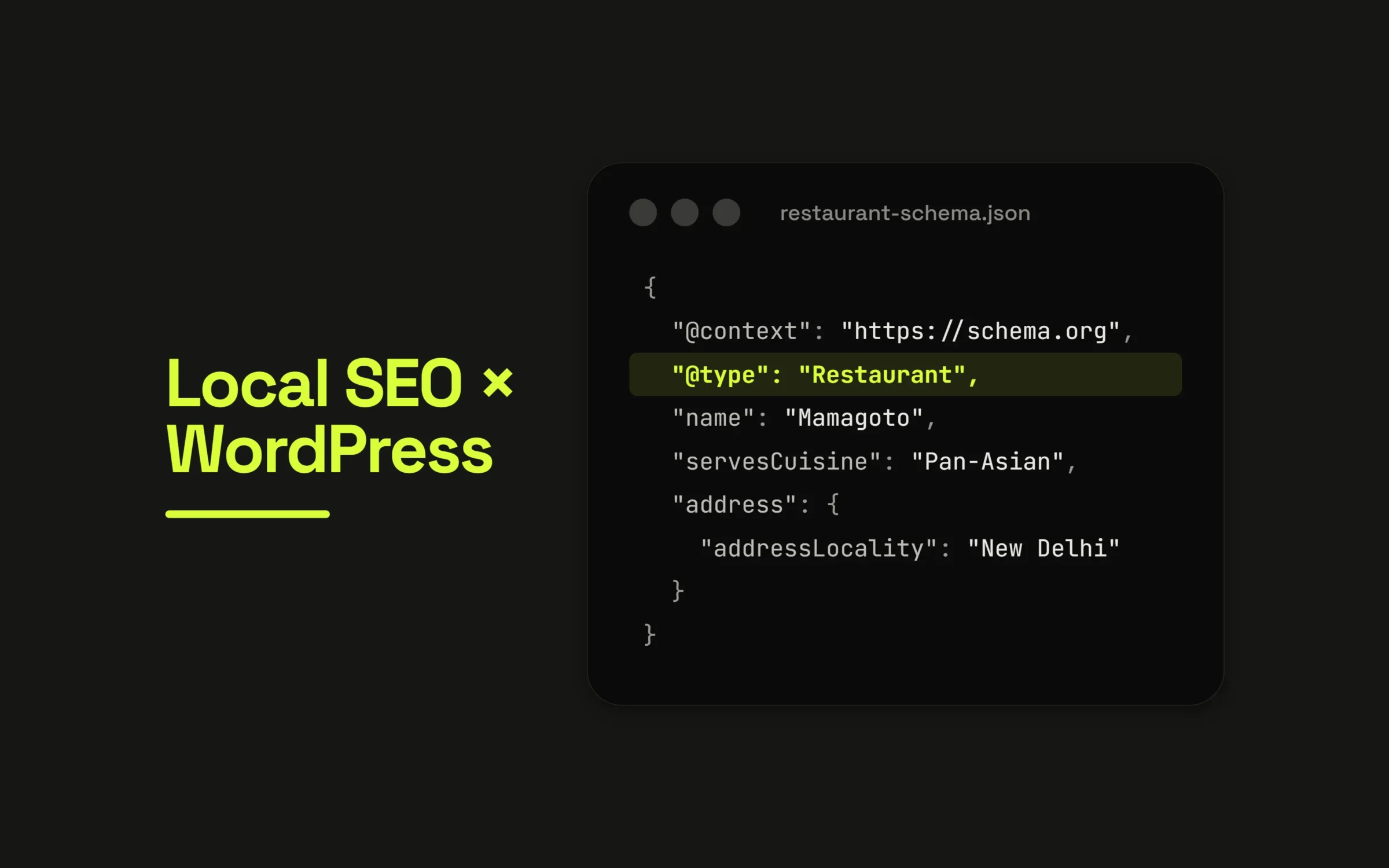
This is the part that makes the plugin more than a list. For every outlet, the plugin outputs Schema.org Restaurant data as JSON-LD:
{
  "@context": "https://schema.org",
  "@type": "Restaurant",
  "name": "Mamagoto [Outlet name]",
  "servesCuisine": "Pan-Asian",
  "telephone": "[phone]",
  "address": {
    "@type": "PostalAddress",
    "streetAddress": "[street]",
    "addressLocality": "[city]",
    "addressCountry": "IN"
  },
  "openingHours": "Mo-Su 12:00-23:00"
}
Search engines no longer have to guess what the page is about. They can read exactly which restaurant is where, how to contact it and when it’s open. That supports local search results and rich information in Google.
Because the markup is generated from the same fields the team edits, it can never fall out of date. Change the phone number once, and the page and the structured data both update.
The takeaway
A locations page is a small feature with a big job. Treating it as structured data rather than a block of text makes it easier to manage, better for visitors and clearer for search engines.
The same approach works for any multi-location business: clinics, salons, gyms, showrooms.